The best AI avatar and talking video generators in 2026 let you turn a script, a photo, or a voice into a presenter-led video — with no camera, no studio, and no editing skills. This guide ranks the top tools, explains what each one does best, and helps you pick the right fit for how you actually work.
For turning a script or photo into a finished talking-avatar video quickly, VlogMe is the easiest starting point. For realistic corporate avatars, HeyGen and Synthesia lead. For a photo-to-talking-video API, D-ID stands out. The right tool depends on what you are making — here is the full breakdown.
Best AI Avatar Tools in 2026 at a Glance
Here is a quick comparison before the details. Each of these tools generates a talking avatar or presenter from text, a photo, or audio.
| Tool | Best For | Key Strength | Free Tier |
| VlogMe | Script/photo to talking video | Fast, live avatars, multilingual | Yes |
| HeyGen | Realistic business avatars | Lifelike avatars, voice clone | Limited |
| Synthesia | Enterprise training video | Scale, 140+ languages | Demo only |
| D-ID | Photo-to-video + API | Developer API, photo animation | Trial |
| Colossyan | Learning & development | Training templates, scenarios | Limited |
| Captions | Short-form creator video | Editing + AI captions | Limited |
| Elai | Simple text-to-video | Easy templates, quick output | Trial |
Free tiers and features change often — always check current terms before you commit.
What Is an AI Avatar Generator?
An AI avatar generator is a tool that creates a digital presenter who speaks your words on screen, with synced lips and a natural voice. You provide a script, a photo, or an audio file, and the tool produces a finished talking-head video — no filming required. Some tools use fully synthetic presenters, while others animate a real photo into a talking avatar.
These tools have become popular because they remove the slowest parts of video production: no camera setup, no studio, no editing timeline. That makes them a fit for marketing, training, education, and social content where consistent output matters more than a film crew.
The 7 Best AI Avatar and Talking Video Tools in 2026
1. VlogMe — Best for Turning a Script or Photo into a Talking Video
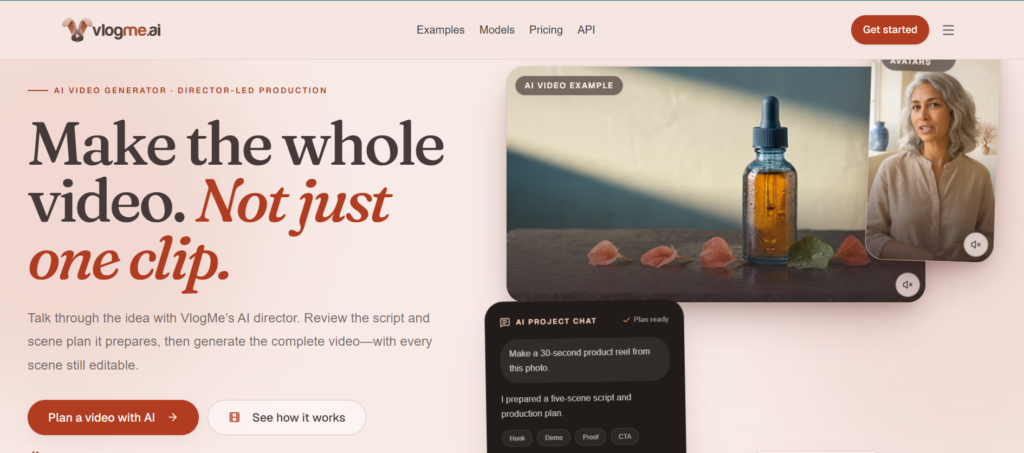
If your goal is to go from a written idea or a single photo to a finished, presenter-led video fast, VlogMe is the easiest place to start. You paste a script or upload a photo, choose a voice, and it generates the talking avatar — voice, lip-sync, and subtitles — in minutes, with no editing required.
Two things set it apart. It offers live interactive avatars that can respond to viewer comments in real time during a stream, which most avatar tools do not do. And it supports multiple languages including English, Russian, Japanese, and Chinese, making it a strong fit for creators and businesses targeting more than one market. The free tier lets you create and test videos before upgrading.
Best for: Faceless creators, marketers, and small teams who want fast, multilingual talking-avatar video.
2. HeyGen — Best for Realistic Business Avatars
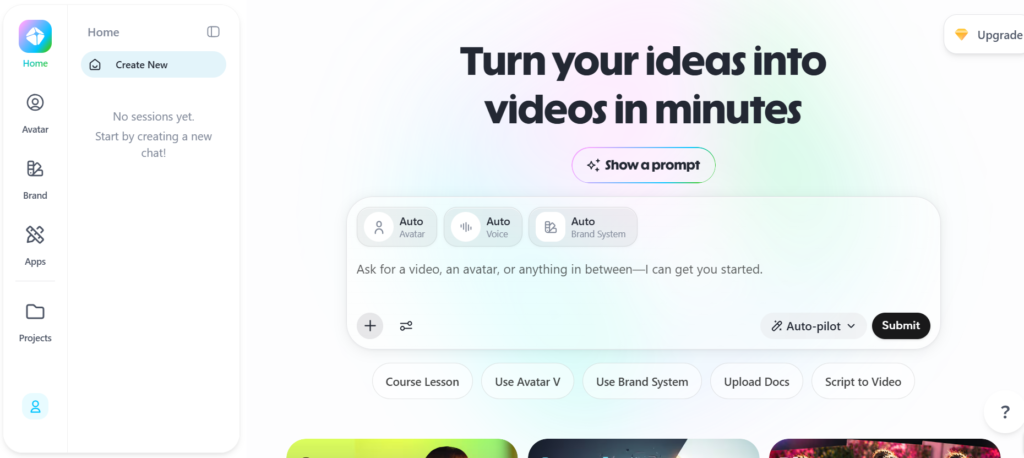
HeyGen is known for some of the most lifelike avatars available, along with voice cloning and support for a wide range of languages. It is a strong choice for sales, product, and business video where a polished, realistic presenter matters. The free plan is limited but lets you test the avatar quality before paying.
Best for: Businesses that want highly realistic avatars and voice cloning.
3. Synthesia — Best for Enterprise Training Video
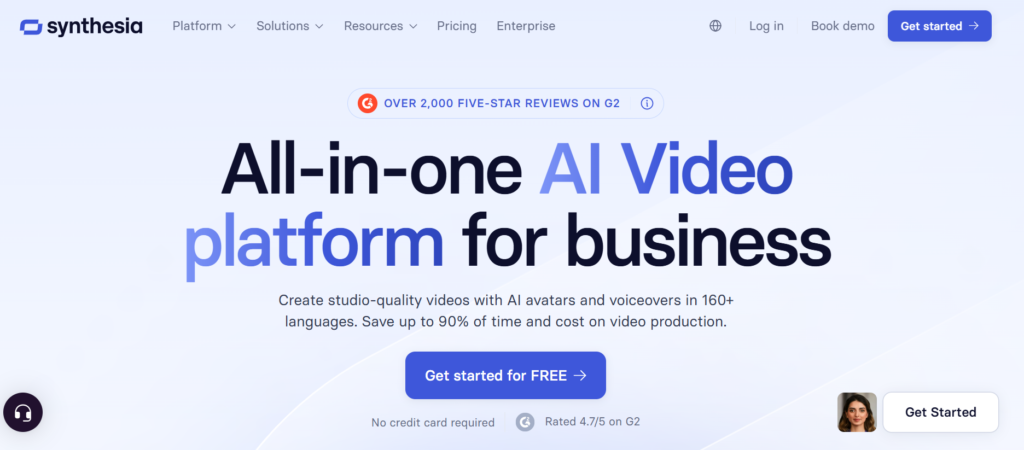
Synthesia is built for scale. It is widely used by large companies for training, onboarding, and internal communication, with support for 140+ languages, a brand kit, and collaboration features. It is less about quick social clips and more about producing large volumes of consistent corporate video.
Best for: Enterprises and L&D teams producing training at scale.
4. D-ID — Best for Photo-to-Video and Developers
D-ID specializes in turning a still photo into a talking video and offers a robust API for developers who want to build avatar features into their own products. If you need to animate a specific face or integrate talking-photo generation into an app, D-ID is a leading option.
Best for: Developers and teams needing photo animation or API access.
5. Colossyan — Best for Learning and Development
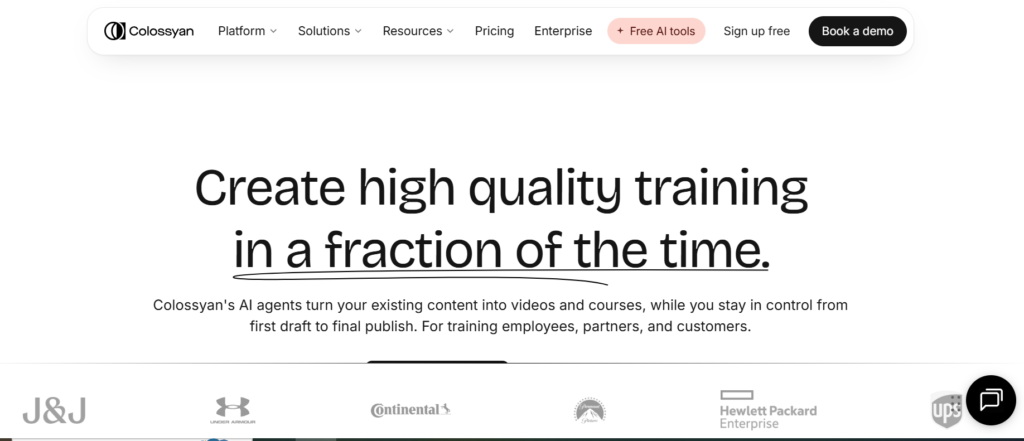
Colossyan focuses on workplace learning. It offers scenario-based templates, multiple avatars in one scene, and features aimed at course creators and corporate trainers. If your main output is educational or instructional video, its templates save real time.
Best for: Course creators and corporate training teams.
6. Captions — Best for Short-Form Creator Video
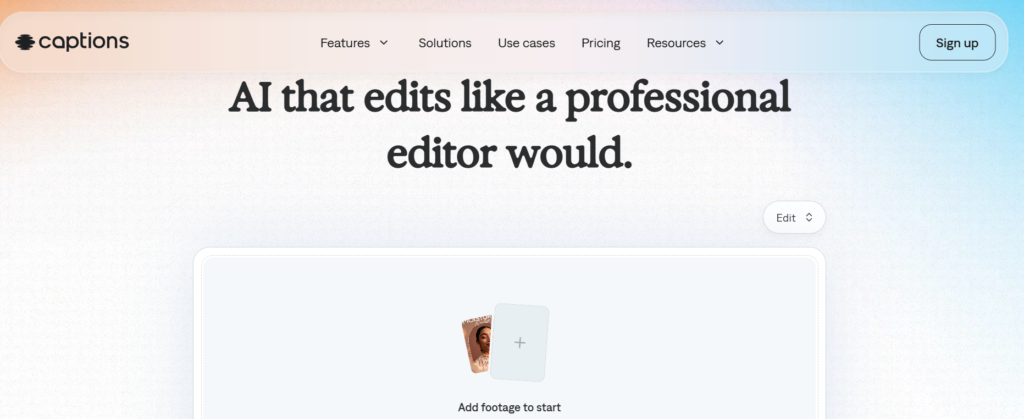
Captions blends AI avatars and voice with a strong editing and captioning toolkit built for short-form. It is popular with creators making TikTok, Reels, and Shorts who want AI features and hands-on editing in one place.
Best for: Short-form creators who want editing and AI together.
7. Elai — Best for Simple Text-to-Video
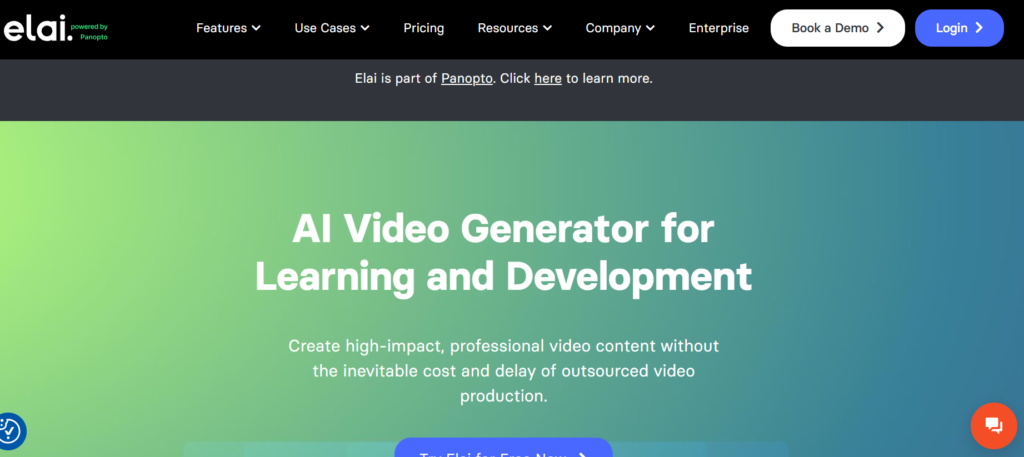
Elai keeps things simple. It turns text into avatar-led video using clean templates and a straightforward workflow, which makes it approachable for beginners who want a quick result without a learning curve.
Best for: Beginners who want easy, template-based text-to-video.
How Do You Choose the Right AI Avatar Tool?
Start with what you are making, not the brand name. Match the tool to your use case, then test one short video before committing.
For fast, multilingual talking-avatar video from a script or photo, start with VlogMe. For the most realistic business avatars, try HeyGen. For enterprise training at scale, Synthesia. For photo animation or an API, D-ID. For workplace learning, Colossyan. For short-form editing, Captions. And for the simplest text-to-video, Elai. The best tool is the one that gives you usable output with the fewest retries on your own content.
Frequently Asked Questions
What is the best AI avatar generator in 2026?
It depends on your goal. For fast, multilingual talking-avatar video from a script or photo, VlogMe is the easiest starting point. For realistic corporate avatars, HeyGen and Synthesia lead. For a photo-to-video API, D-ID stands out. Each fits a different need, so match the tool to your use case.
Can I make a talking avatar from just a photo?
Yes. Tools like VlogMe and D-ID can animate a single photo into a talking video with a synced voice. You upload a clear, front-facing portrait, add a script or audio, and the tool generates the talking avatar automatically.
Are there free AI avatar generators?
Several tools offer a free tier to create and test videos, including VlogMe. Most reserve advanced features, higher resolution, or watermark removal for paid plans, so check each tool’s current terms before publishing.
Do these tools support multiple languages?
Many do. VlogMe supports languages including English, Russian, Japanese, and Chinese, while Synthesia and HeyGen support well over a hundred. Multilingual support is one of the biggest reasons businesses adopt avatar tools for global reach.
Do I need editing skills to use an AI avatar tool?
No. Tools like VlogMe are built for people with no editing experience — you provide a script or photo, make a few choices, and the tool assembles the finished video for you.
Getting Started
You no longer need a camera or a production budget to publish professional video. If you want the fastest path from a script or photo to a finished talking-avatar video, try VlogMe free and see your first video come together in minutes. For realistic corporate avatars or enterprise training, the other tools on this list are all worth testing against your own use case.
Your May Also Read: 9 Best AI Creative Tools for Marketing Teams in 2026 (Compared)




