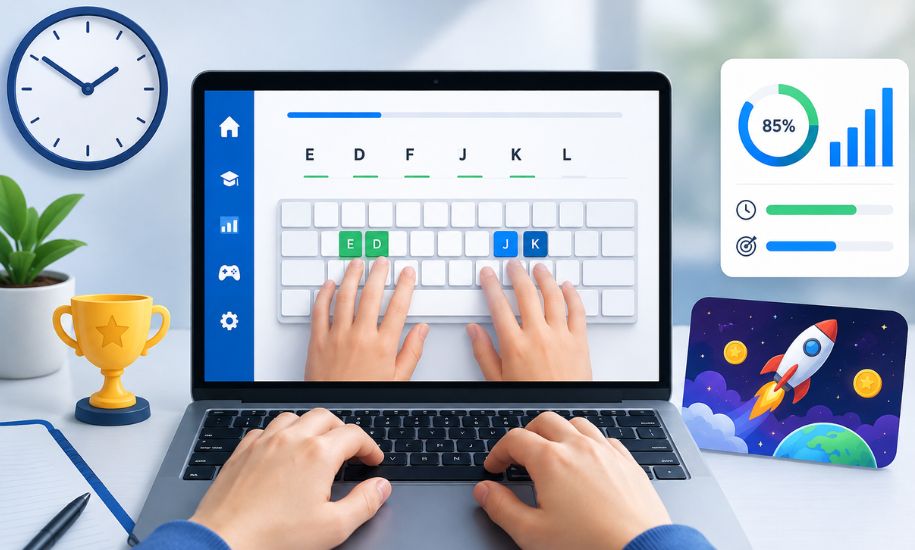
In a world where so much of work, study, and communication happens through a keyboard, typing is no longer a minor skill. It shapes productivity, confidence, and even how comfortably someone navigates school or office life. That is where Typing. com stands out. It has become one of the most recognizable online platforms for learning touch typing, offering structured lessons, games, tests, and classroom tools in a format that feels approachable for beginners while still being useful for more advanced users.
What Is Typing. com?
Typing. com is an online typing education platform designed to help users improve speed, accuracy, and keyboard familiarity. While it is especially well known in schools, it is not limited to children or classrooms. Adults, self-learners, homeschool families, and office workers can also use it as a practical resource for building stronger typing habits.
The platform focuses on touch typing, which means learning to type without constantly looking down at the keyboard. Instead of relying on guesswork or two-finger typing, users are guided through a sequence of lessons that teach finger placement, proper posture, letter patterns, punctuation, and rhythm. Over time, that approach helps users move from slow and inconsistent typing to smoother and more confident performance.
One reason the platform has remained popular is its balance between structure and accessibility. It offers a clear learning path, but it does not feel overly technical or intimidating.
Why Typing. com Appeals to So Many Users
A major strength of Typing. com is that it serves more than one audience well. For students, it provides a guided environment where typing becomes a learnable skill rather than a frustrating challenge. For teachers, it offers classroom management tools that make it easier to assign work and track progress. For adults, it gives a straightforward way to improve efficiency without having to install complicated software.
This wide appeal also comes from the platform’s clean layout. Lessons are usually easy to follow, instructions are simple, and the interface is designed to keep attention on the act of typing rather than on distractions. That simplicity is useful because typing improvement often depends on consistency more than intensity. A platform that feels easy to return to is more likely to support long-term progress.
Lessons and Learning Structure
The heart of Typing. com is its lesson system. Rather than throwing users into a speed test immediately, it begins with fundamentals. Learners are introduced to home-row keys, finger positions, and the logic behind accurate movement across the keyboard. That foundation matters because bad habits formed early can become difficult to correct later.
As users progress, the lessons gradually expand to include common words, full sentences, punctuation, numbers, and symbols. This step-by-step format is especially helpful for beginners, because each stage builds on the last instead of demanding too much at once. The learning curve feels manageable, which can improve motivation.
For younger learners, the structure is particularly effective because it breaks skill-building into digestible stages. For older learners, the same structure can feel refreshing because it removes the pressure often associated with self-teaching. Rather than wondering what to practice next, users can simply follow the path already set out for them.
Typing Tests and Skill Measurement
A typing platform is only useful if it helps users measure improvement, and this is another area where Typing. com performs well. The site offers typing tests that evaluate speed and accuracy, usually by tracking words per minute alongside error rates. This makes progress visible in a concrete and encouraging way.
Typing speed on its own does not tell the full story. Someone can type fast but make too many mistakes, which lowers real productivity. By paying attention to both speed and precision, the platform encourages more balanced development. That is a smart educational choice, especially for students who may feel tempted to chase numbers rather than quality.
These tests are also valuable for adults preparing for office roles, school tasks, or general digital confidence. When someone can see that their speed has improved over time, the practice feels purposeful rather than repetitive.
Games That Make Practice Less Repetitive
One reason many typing tools lose users is that practice can start to feel dull. Typing. com addresses this by including games that turn keyboarding into a more engaging activity. These games are not there just for entertainment; they help reinforce hand movement, key recognition, and reaction speed in a more playful format.
For younger users, this gamified element can make a major difference. Instead of viewing typing as a chore, they begin to associate it with challenge and enjoyment. Even for adults, short game-based sessions can break the monotony of drills and keep practice fresh.
This mix of lessons, tests, and games gives the platform a balanced personality. It feels educational, but not overly rigid.
Typing. com for Teachers and Classrooms
Although it works well for independent learners, Typing. com has a particularly strong reputation in education. Teachers can create classes, monitor student work, and review progress through reporting tools. That makes it more than a personal typing site; it becomes a classroom support system.
For schools, this is valuable because typing is increasingly tied to broader digital learning. Students are expected to write assignments, complete online assessments, and engage with digital tools from a young age. If they struggle with basic keyboard skills, those other tasks become harder than they need to be.
Teachers benefit from a platform that allows them to guide instruction without building a typing curriculum from scratch. They can set expectations, review student performance, and keep everyone moving at an appropriate pace. That practical classroom function is a major part of what distinguishes the site from simple typing-test pages.
Free Access and the Plus Option
Another reason Typing. com is widely recommended is that it offers a substantial free experience. Users can access core lessons, tests, and games without paying, which makes it attractive for families, schools, and individuals who want a no-cost starting point.
There is also a premium option, often referred to as Plus, which adds extra features such as an ad-free environment and expanded learning content. For some users, the free version will be more than enough. Others may prefer the smoother experience and additional materials that come with the upgrade.
This free-versus-premium balance is sensible. It allows new users to explore the platform thoroughly before deciding whether extra features are worth it. That lowers the barrier to entry and makes the service more approachable.
Strengths and Limitations
Like any educational tool, Typing. com has both clear advantages and a few limitations. On the positive side, it is structured, accessible, beginner-friendly, and useful in both personal and classroom settings. It also combines lessons, tests, and games in a way that supports different learning styles.
Its biggest strength may be how practical it feels. It does not promise dramatic transformation overnight. Instead, it gives users a reliable system for steady improvement, which is exactly what typing practice requires.
The main limitation is that some users may eventually want more advanced customization or a different style of interface. Others may find ads in the free version slightly distracting. Still, these drawbacks are relatively minor when compared with the overall value the platform provides.
Who Should Use Typing. com?
Typing. com is well suited for beginners, students, teachers, homeschool environments, and adults who want to improve everyday productivity. It is especially useful for anyone who has spent years typing inefficiently and now wants a more structured method.
It may also be a smart choice for parents who want to help children build digital skills early. Strong keyboarding can support writing, research, communication, and test performance across many subjects. In that sense, typing is not an isolated skill; it connects to broader academic and professional success.
Final Verdict
Typing. com remains one of the most practical and accessible typing platforms available online. Its structured lessons, useful tests, engaging games, and classroom-friendly design make it appealing to a wide range of users. Whether someone is just beginning to type properly or simply wants to improve speed and confidence, the platform offers a solid path forward. For readers looking for dependable digital tools that genuinely support learning, this is the kind of resource worth highlighting on Insider Newz.